
How to Install IPTV Smart Purple Player
3.2Step-by-step guide to set up IPTV Smart Purple Player with Xtream Codes or M3U. Add your playlist, enable VPN and EPG, and stream Live TV, Movies and Series.
IPTV Smart Purple Player is a feature-rich IPTV app for Android, Android TV, and Fire TV, with built-in VPN, EPG support, and dedicated sections for Live TV, Movies, and Series. It supports both Xtream Codes logins and M3U playlists.
Where to download
- Direct APK: http://install-iptv.com/iptv-purple
- Google Play Store: IPTV Smart Purple Player
How to set up IPTV Smart Purple Player
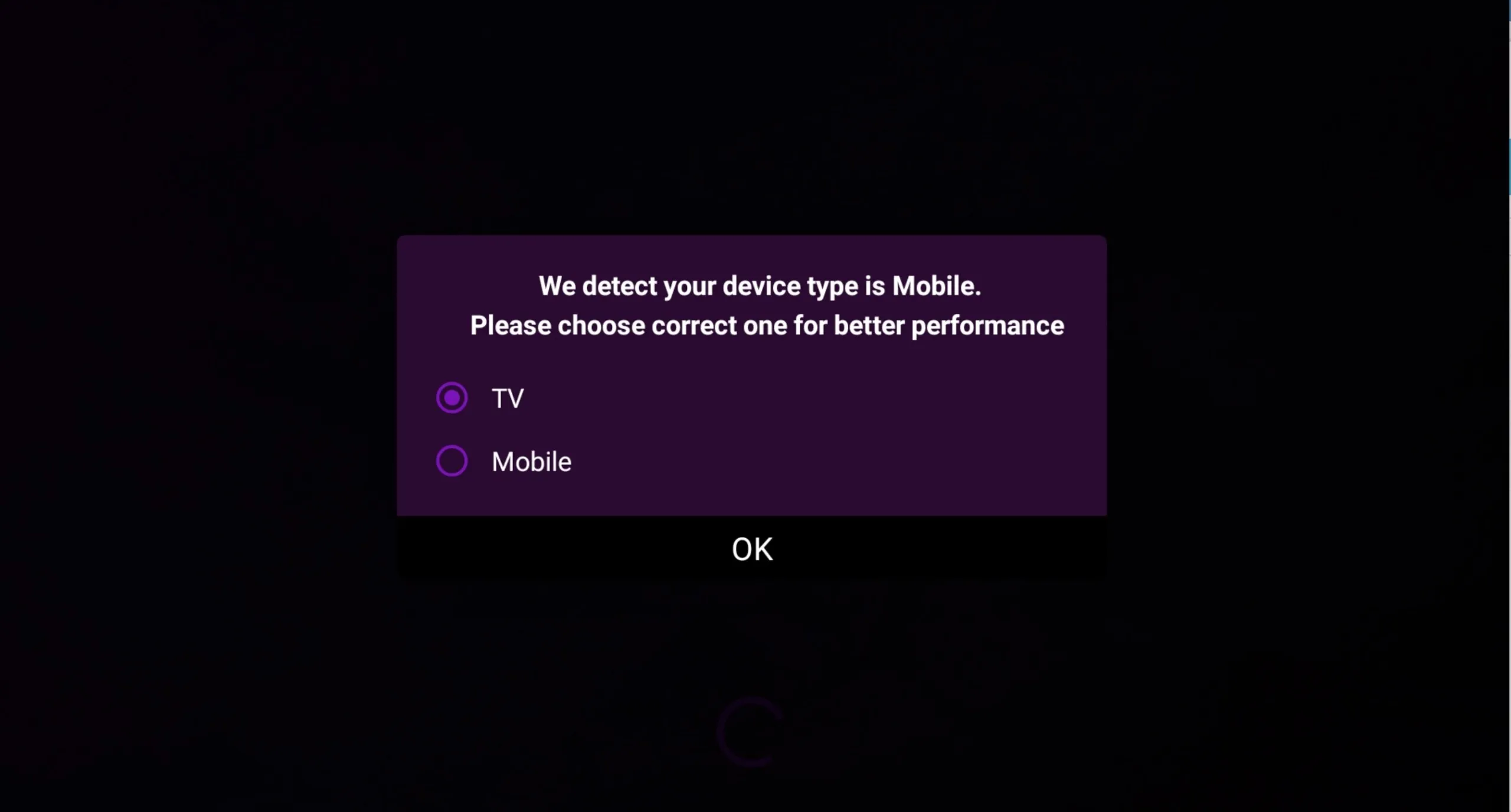
Step 1 — Choose your display mode
The first time you open the app, choose between TV mode and mobile mode so the interface is optimized for your screen.
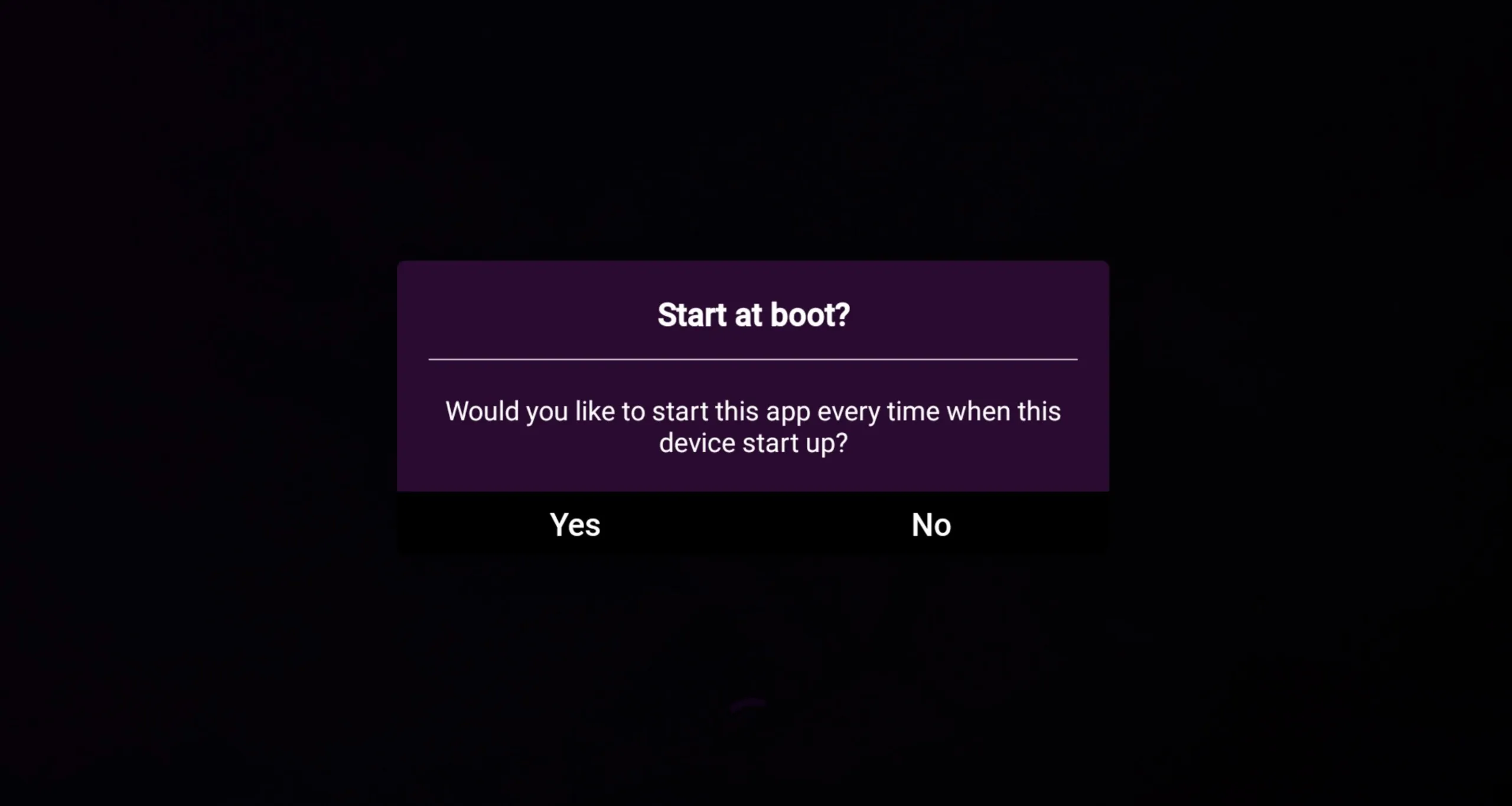
Step 2 — Set auto-start
Decide whether you want the app to start automatically when you power on your device. This is handy on a dedicated TV box or Fire Stick.
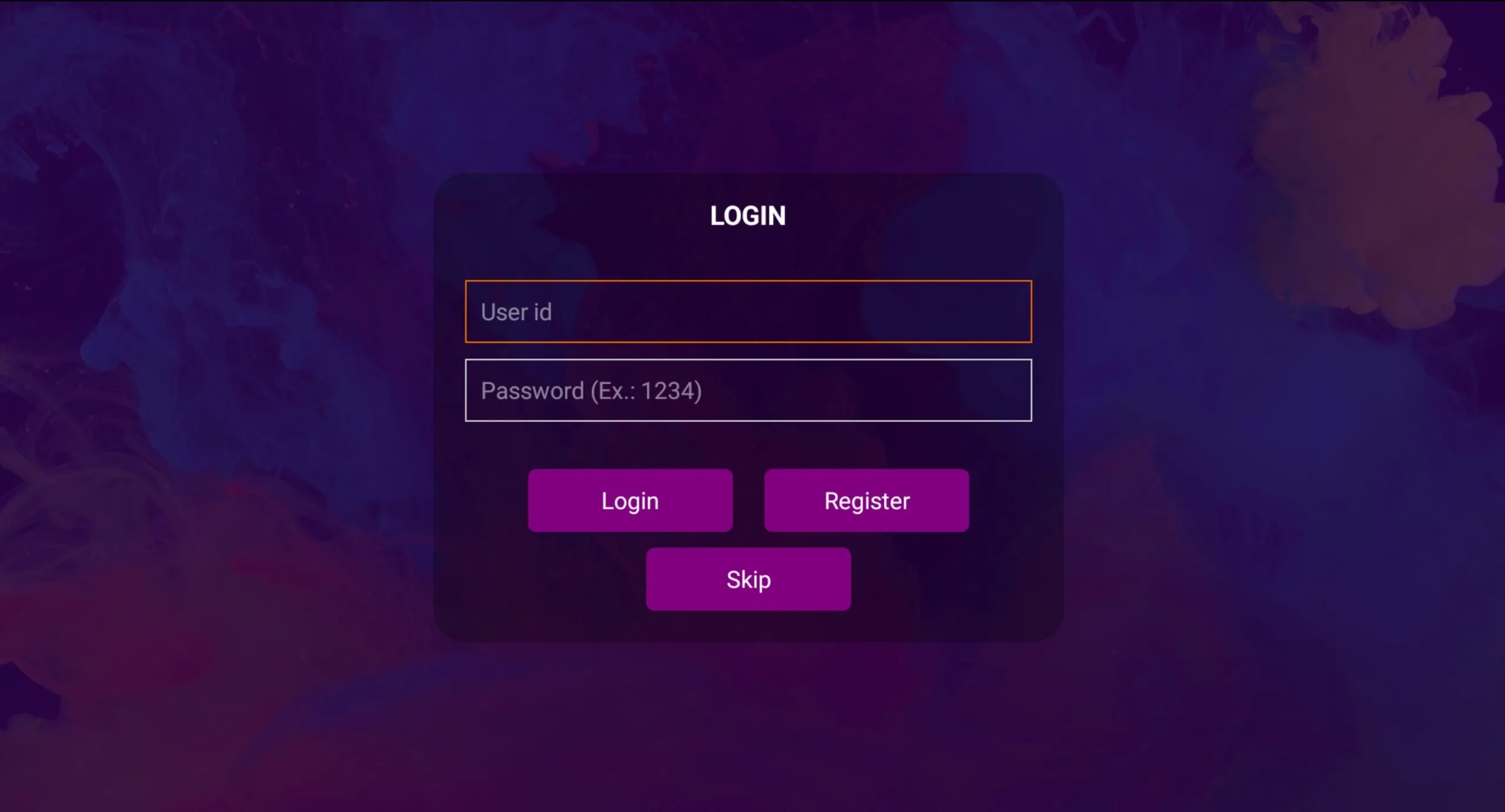
Step 3 — Skip the sign-up (optional)
You can skip this step, or create a free account on the Purple Smart TV portal if you’d like to sync your settings.
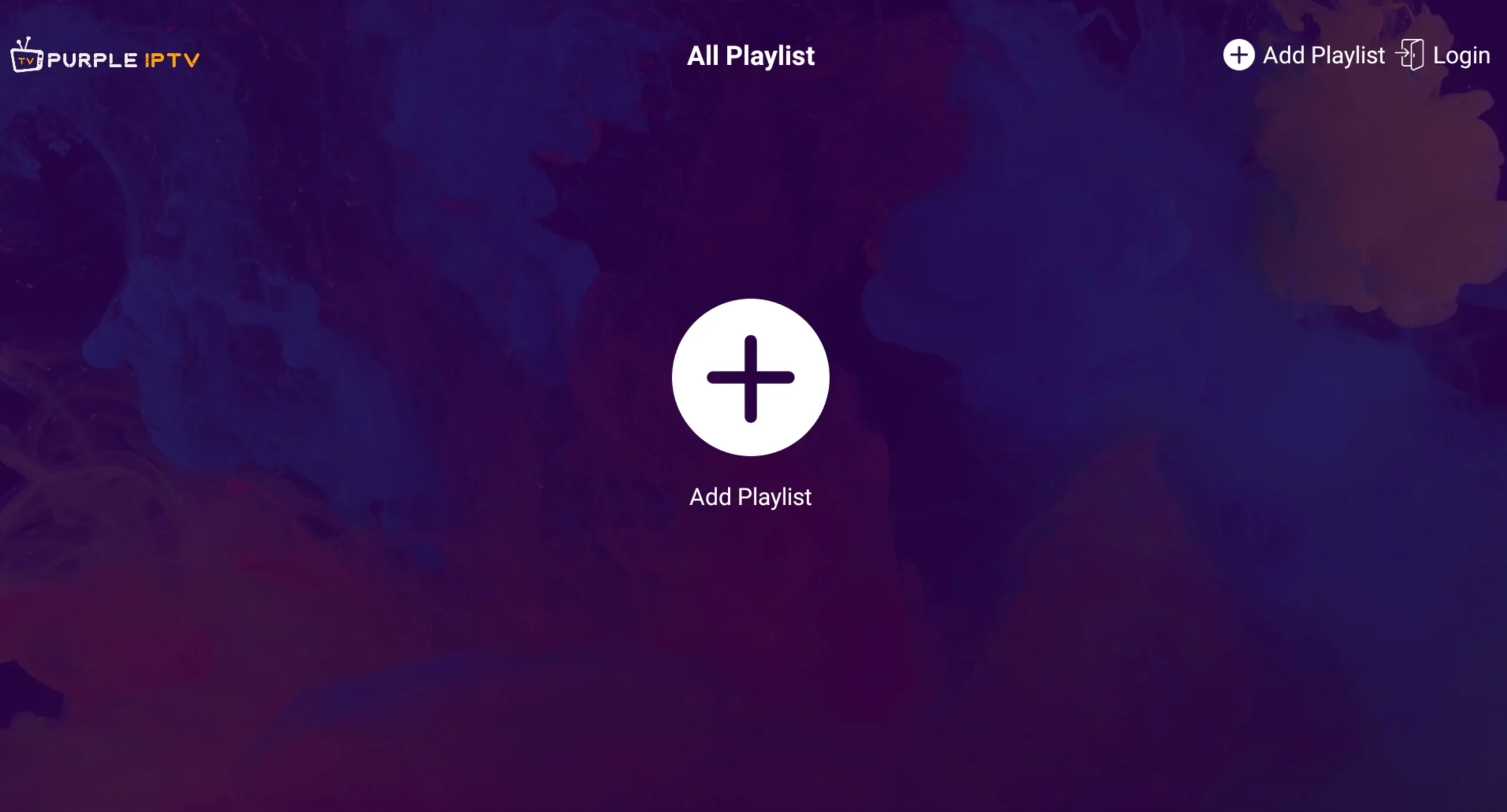
Step 4 — Add a playlist
Press the plus (+) button to add your playlist.
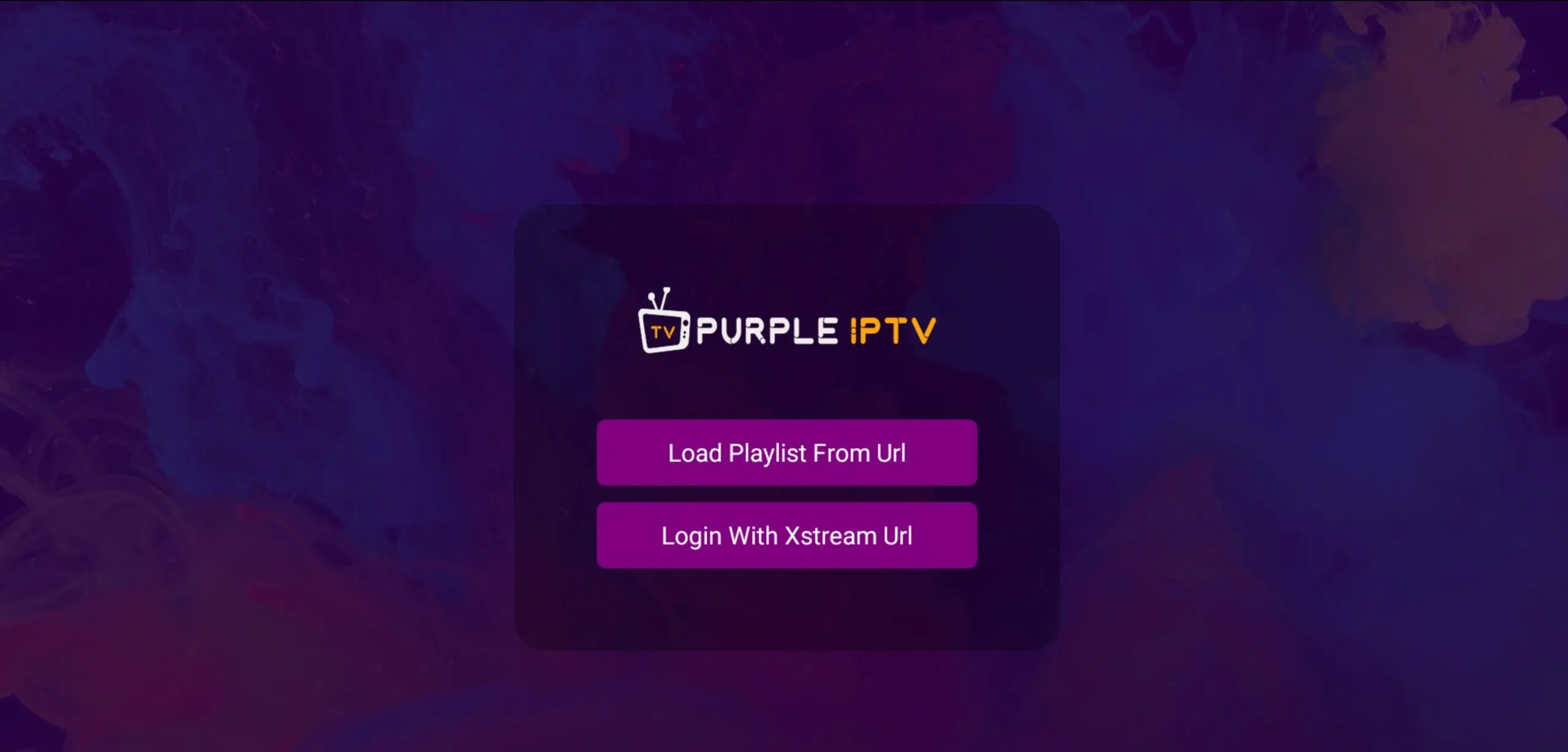
Step 5 — Choose a playlist method
Select Login With Xtream URL (recommended — it works for around 95% of providers) or Load Playlist From URL if you only have an M3U link.
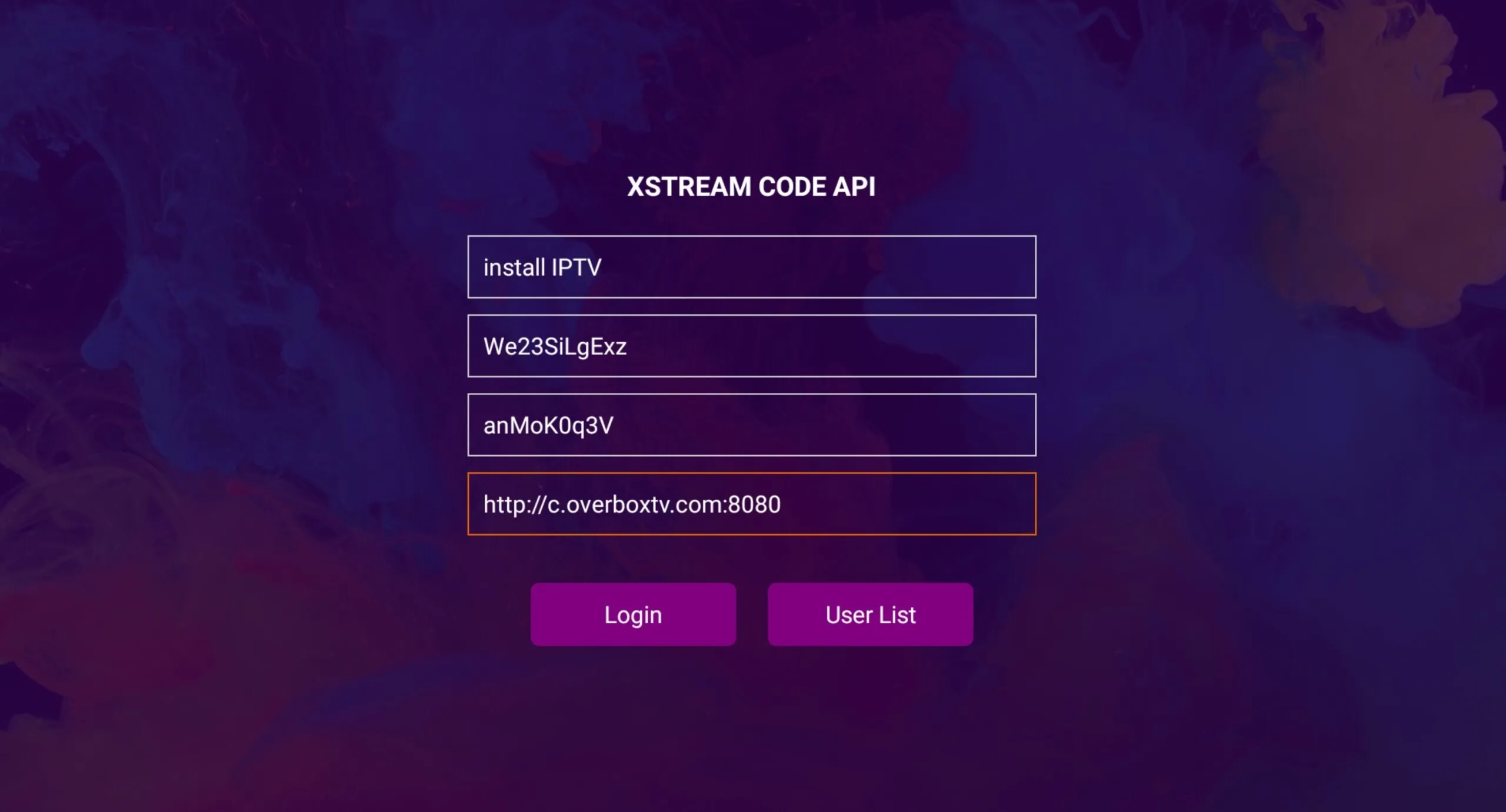
Step 6 — Enter your Xtream credentials
Enter a playlist name, then your username, password, and server URL from your provider. Press Login.
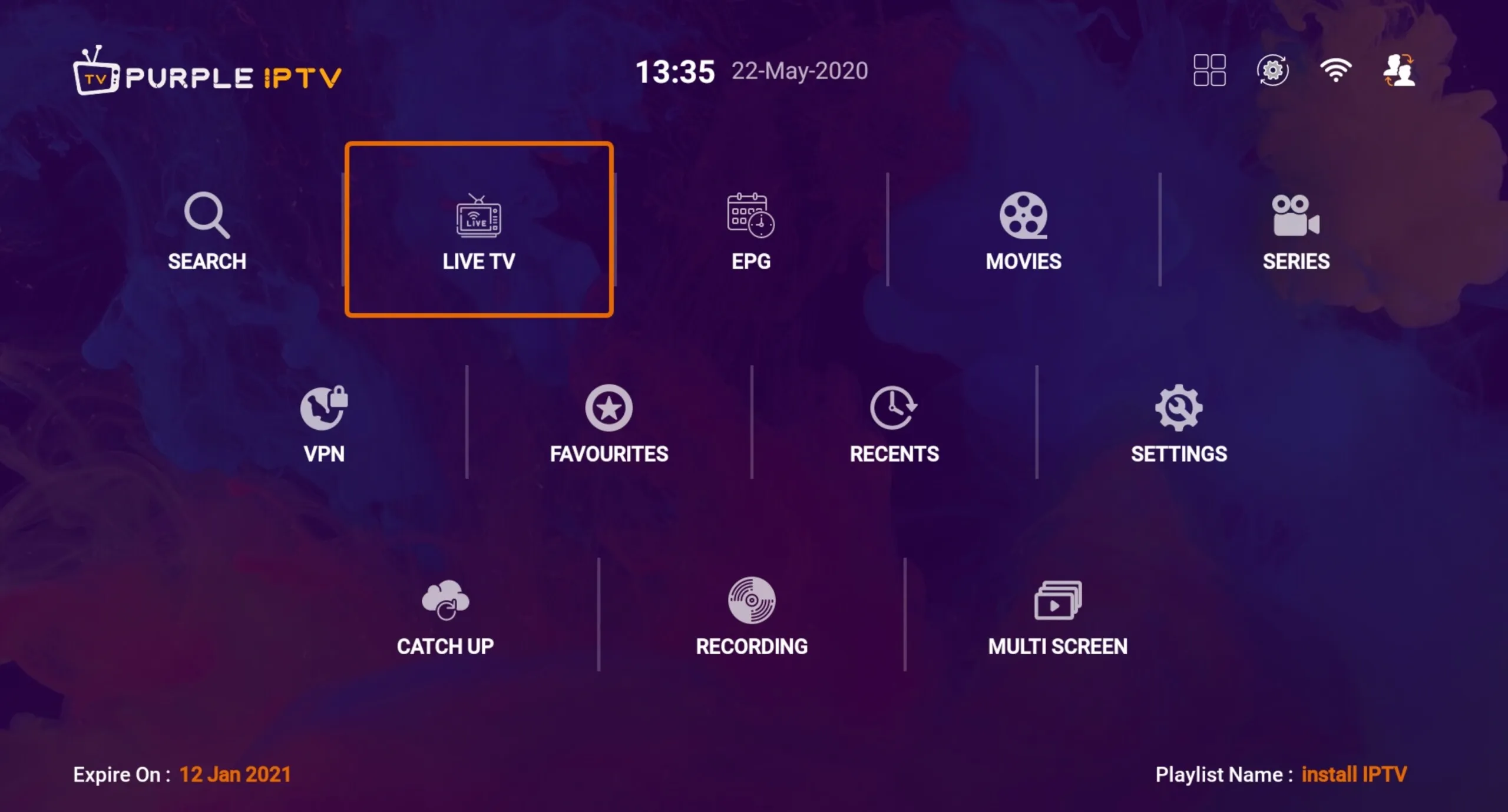
Step 7 — Start watching
Once you’re logged in, you’ll have access to Live TV, EPG, Movies, Series, VPN, Favourites, and Recents.
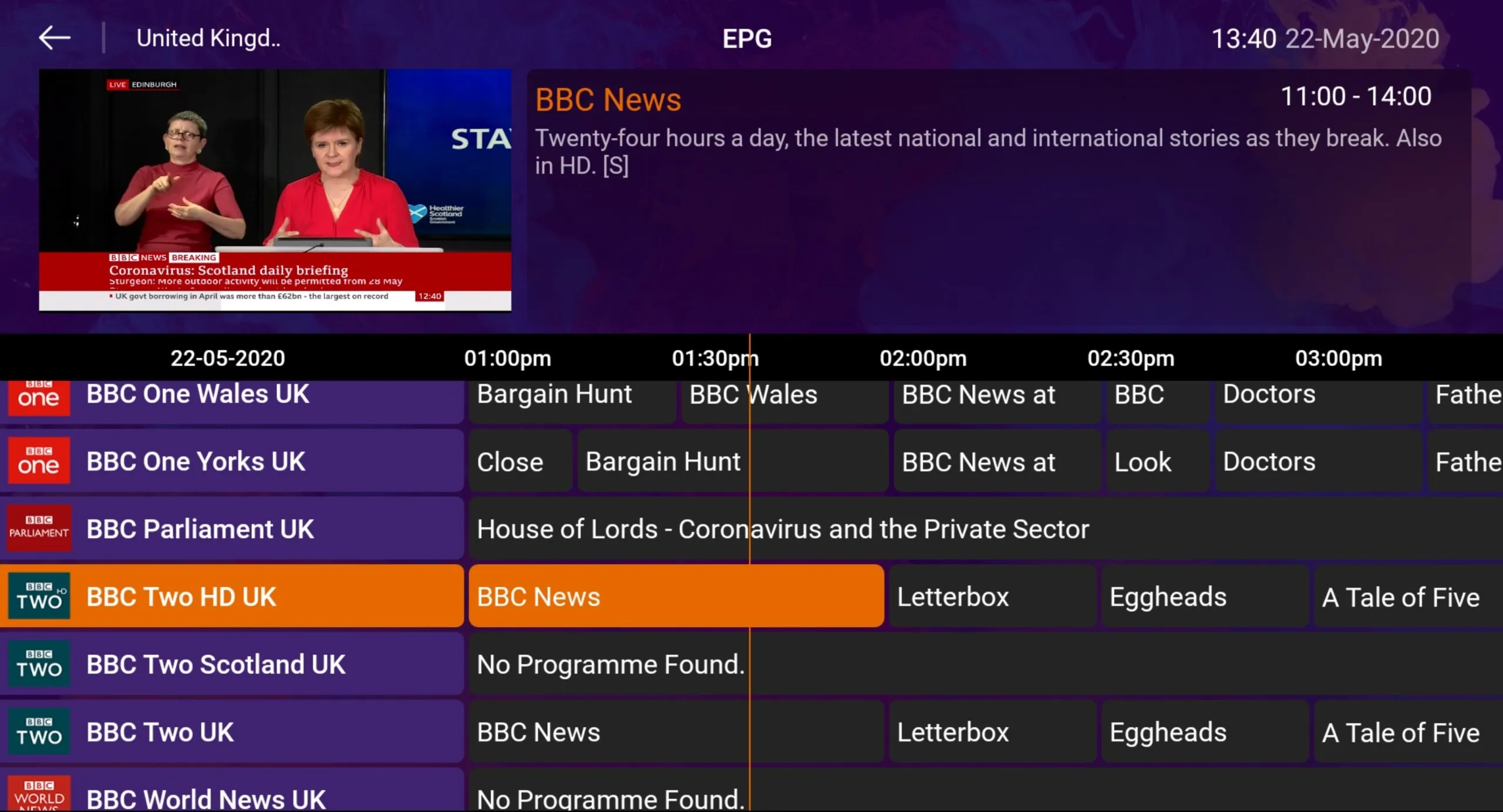
A look at the interface
The app includes a full EPG view, a built-in free VPN, a small-window preview, and a transparent quick channel list.
Frequently asked questions
How do I find my Xtream Codes details?
Your server URL, username, and password are all contained inside the M3U link your IPTV provider gave you. Pull them out and enter them in the Xtream login screen.
How do I install IPTV Smart Purple on Fire TV / Fire Stick?
- Install the Downloader app on your Fire TV.
- Enable Apps from Unknown Sources in Developer Options.
- Enter http://install-iptv.com/iptv-purple in the Downloader URL bar.
- Download and install the application.