How to Install IPTV on TiviMate
3.8Step-by-step guide to install and set up IPTV on TiviMate for Android TV and Fire TV Stick using Xtream Codes or an M3U playlist.
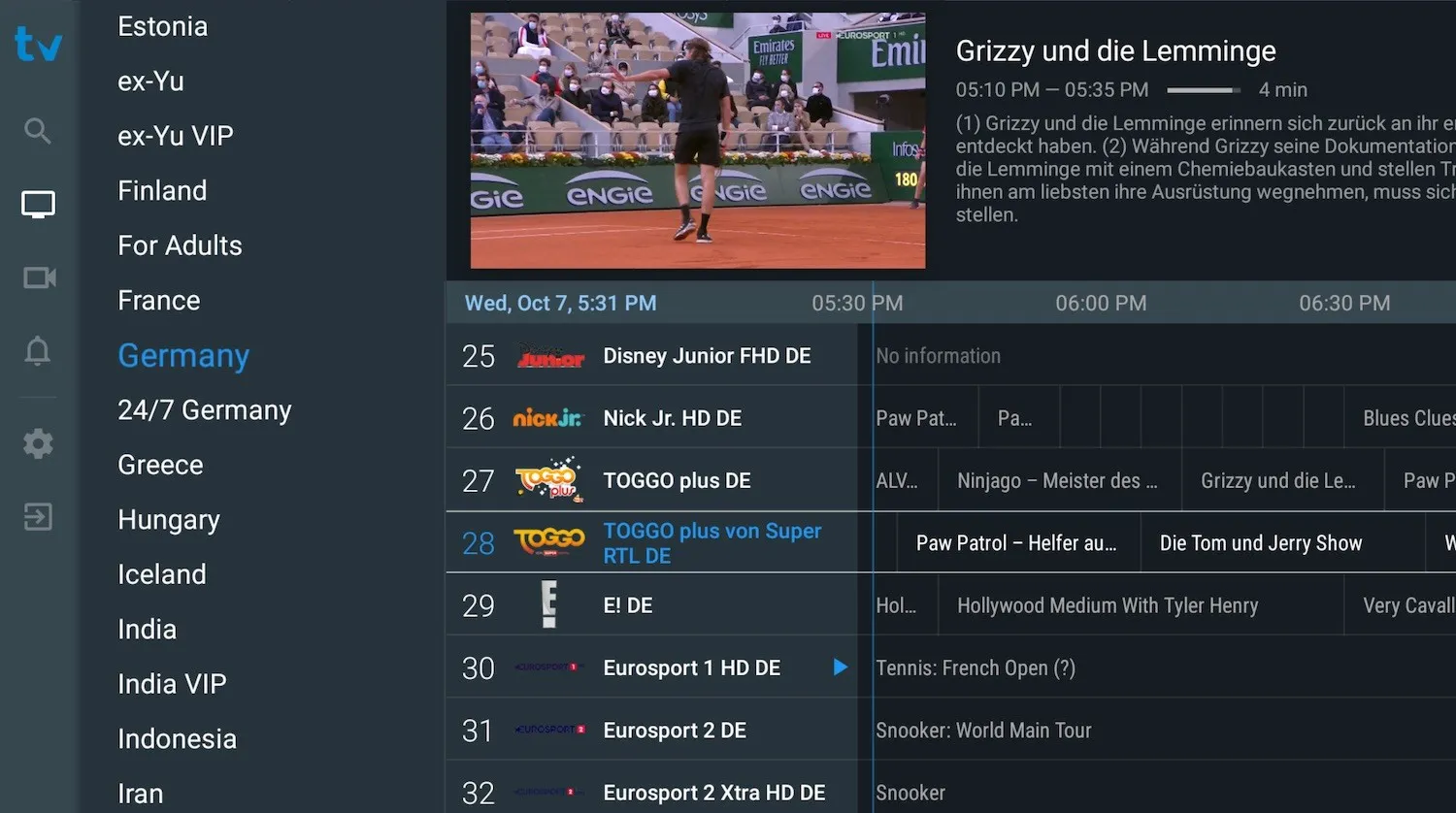
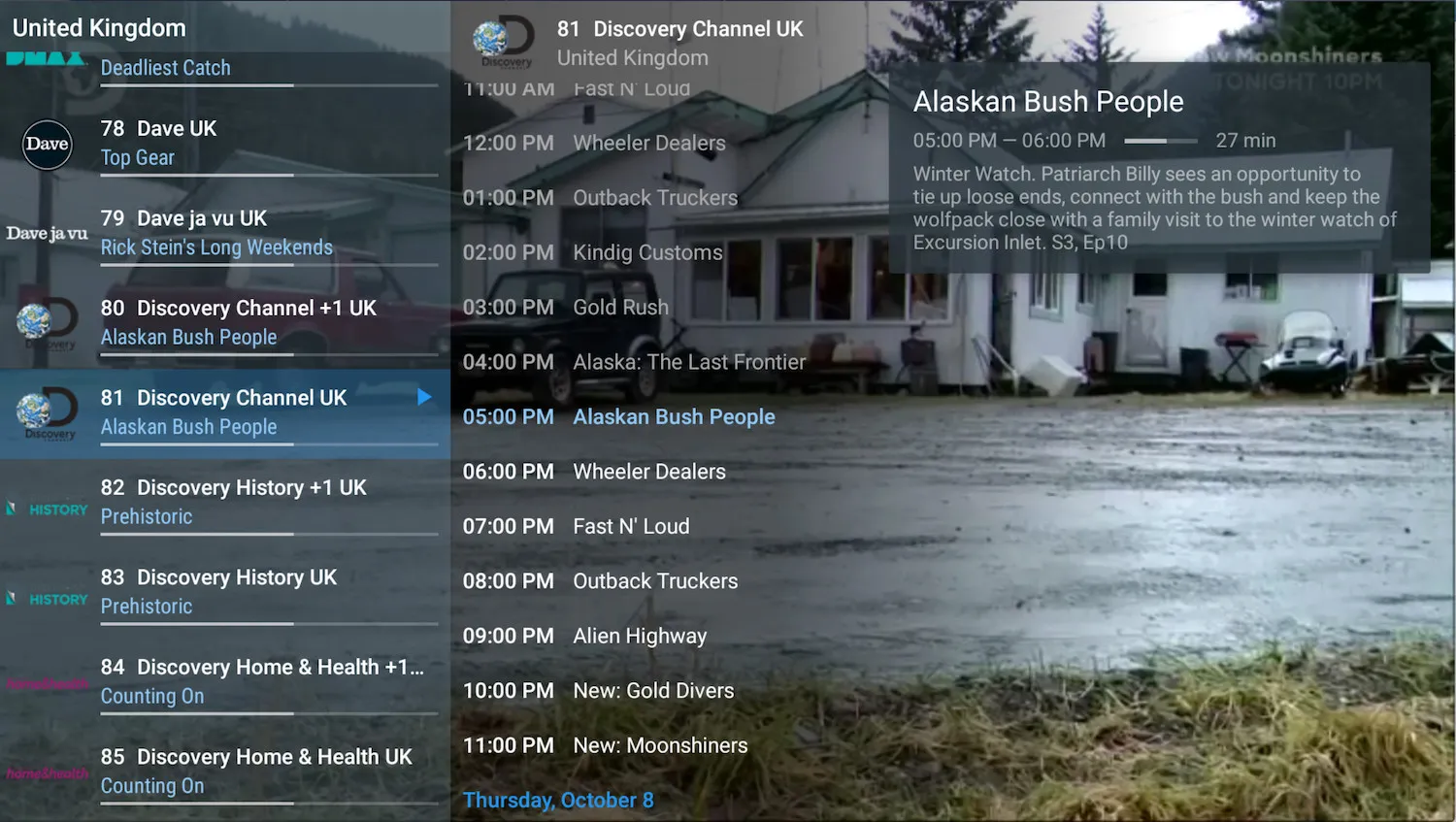
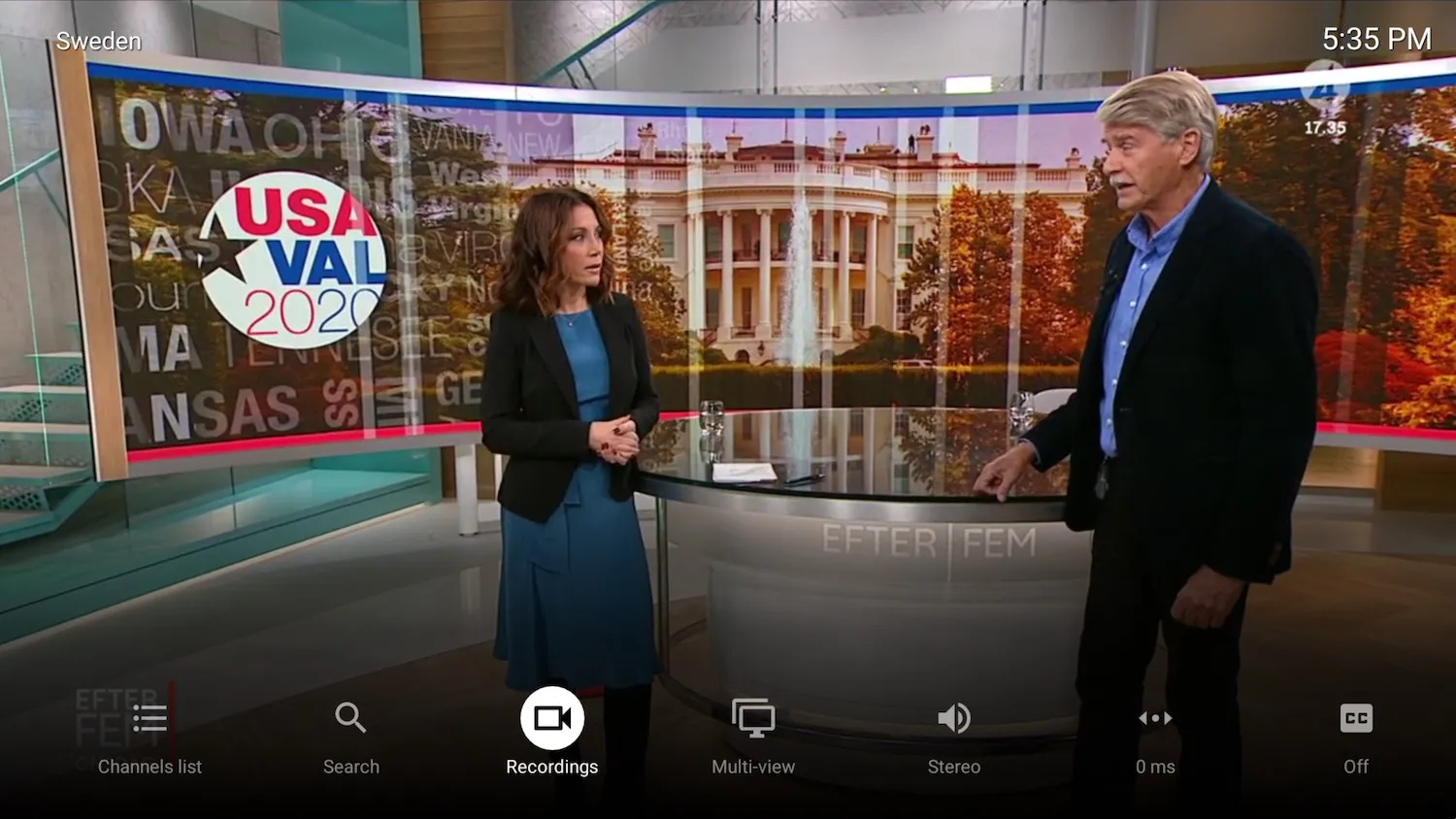
TiviMate is one of the most advanced, easy-to-use IPTV players available, with a smooth and modern interface designed for big-screen Android devices. It is a top choice among Android IPTV apps. Its main limitation is that VOD (video on demand) is not supported by the app.
Key features
- Modern user interface built for large screens
- Multiple playlist support
- Scheduled TV guide (EPG) updates
- Favorite channels
- Catch-up support
- Subtitles
- Program recording
Download and pricing
TiviMate is available for Android TV and Fire TV Stick devices. A free, limited version is available in the Play Store. The premium version costs $99 one-time or $25 per year and unlocks features such as recording and multiple playlists.
How to set up TiviMate
Step 1 — Add a playlist
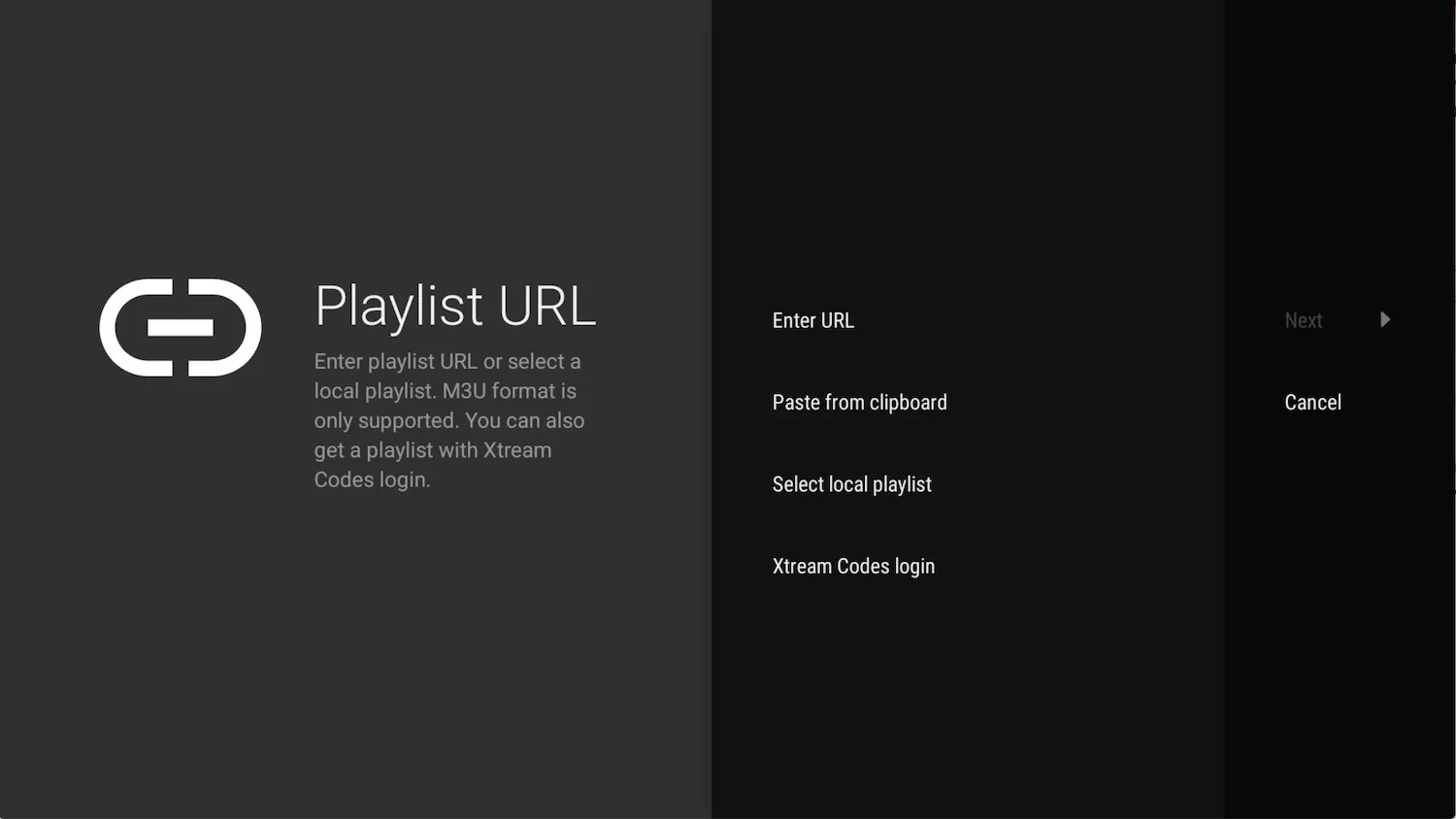
Launch the app and select ADD PLAYLIST. You can choose a local M3U file, a remote playlist via URL, or log in with Xtream Codes credentials.
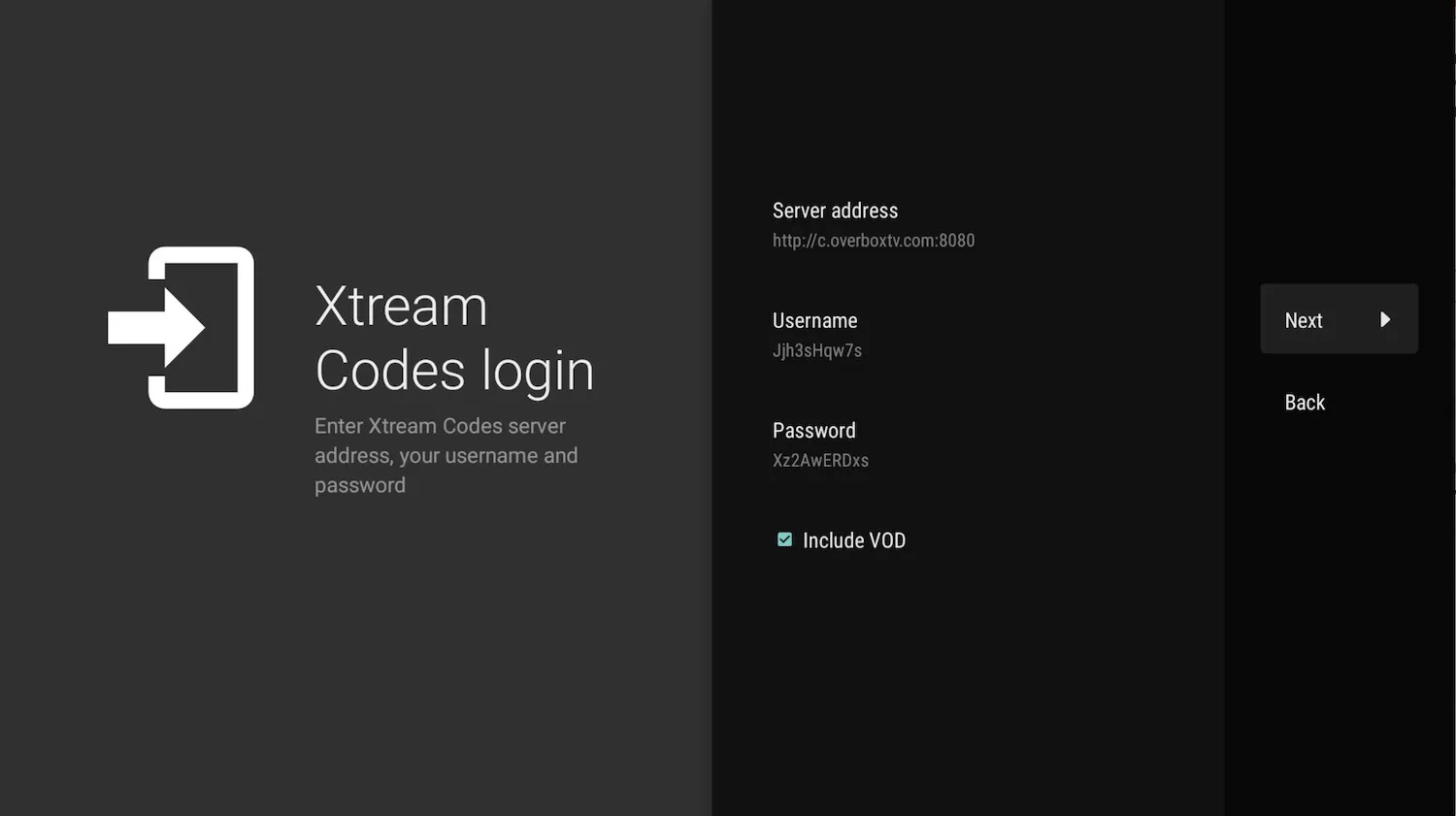
Step 2 — Enter your connection details
Input the Xtream Codes credentials (or M3U URL) provided by your IPTV provider and continue.
Step 3 — Name your playlist
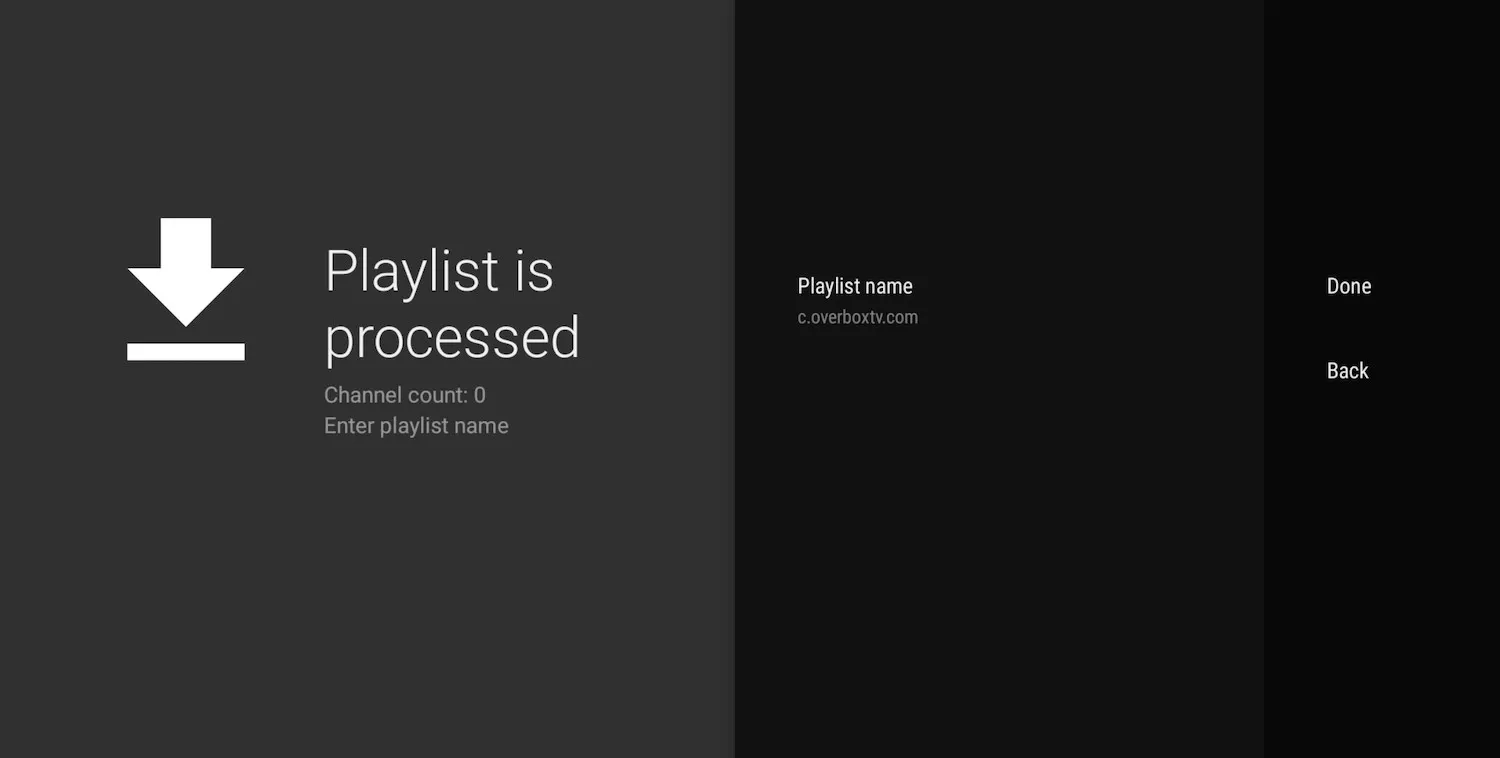
TiviMate automatically assigns the server domain as the playlist name. You can customize this to anything you like before finishing setup.
Once added, you can browse the channel list, open the full program guide, switch audio tracks, enable subtitles, and manage your channels.