
How to Install IPTV on iPlayTV
3.8Install IPTV on iPlayTV for Apple TV. Add your M3U playlist or Xtream Codes login to stream live channels, VOD, and EPG on Apple TV in a few minutes.
iPlayTV is one of the most popular IPTV players for Apple TV, offering a smooth, polished interface for watching your IPTV playlists. It supports Apple TV 3rd generation and newer and is a one-time $5.99 purchase on the App Store.
Note: iPlayTV is a player only and does not include channels. You need an active IPTV subscription, which provides either an M3U link or Xtream Codes login details.
Download iPlayTV
Get iPlayTV from the Apple TV App Store: apps.apple.com/app/iplaytv/id1072226801.
How to set up iPlayTV
Time needed: about 8 minutes.
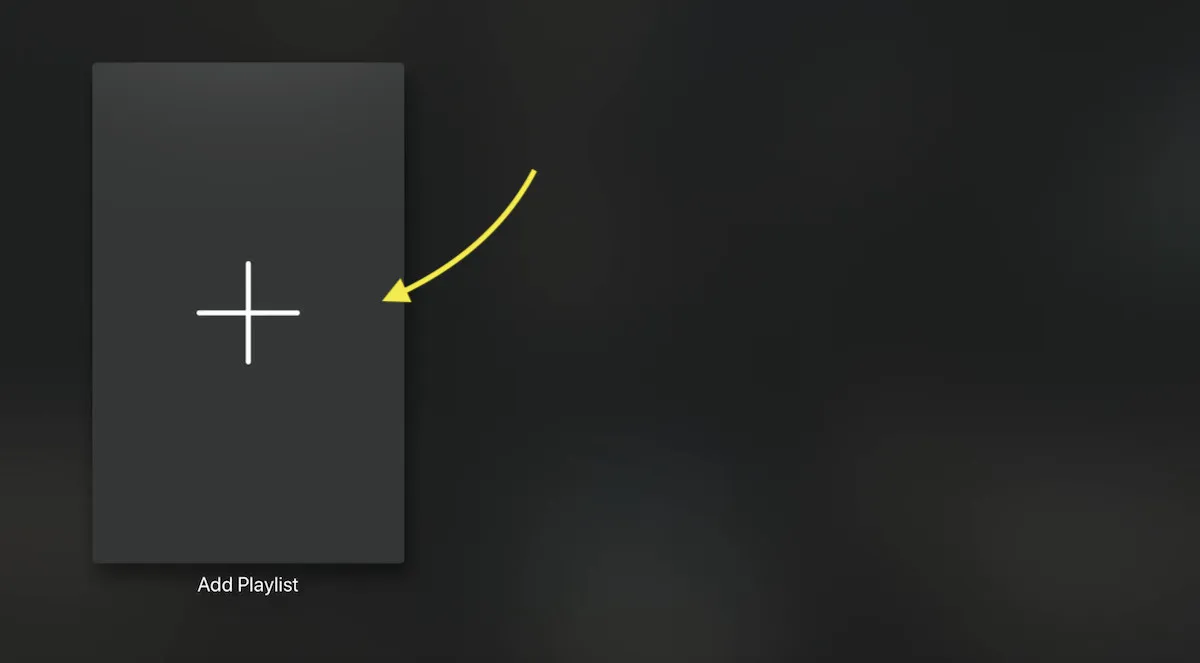
- Add a playlist. Open iPlayTV and select Add Playlist from the main menu.
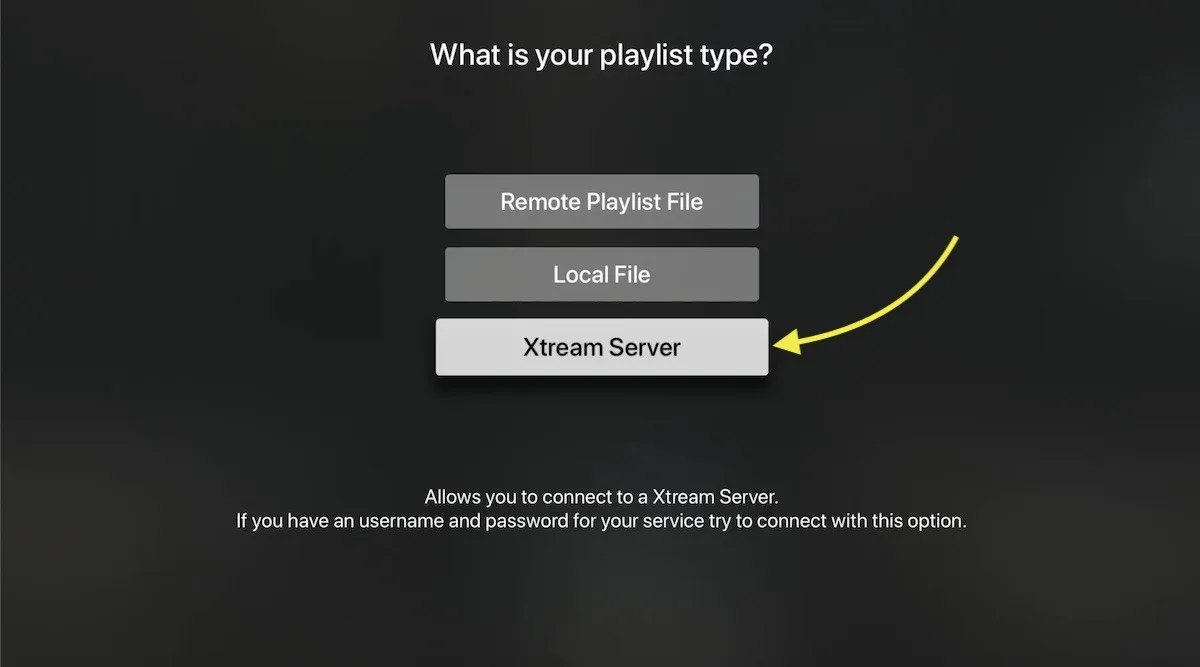
- Choose your method. You can add a remote M3U link, load a local M3U file, or connect via Xtream Server. We recommend the Xtream Server option because it adds extra features such as EPG and automatic playlist updates.
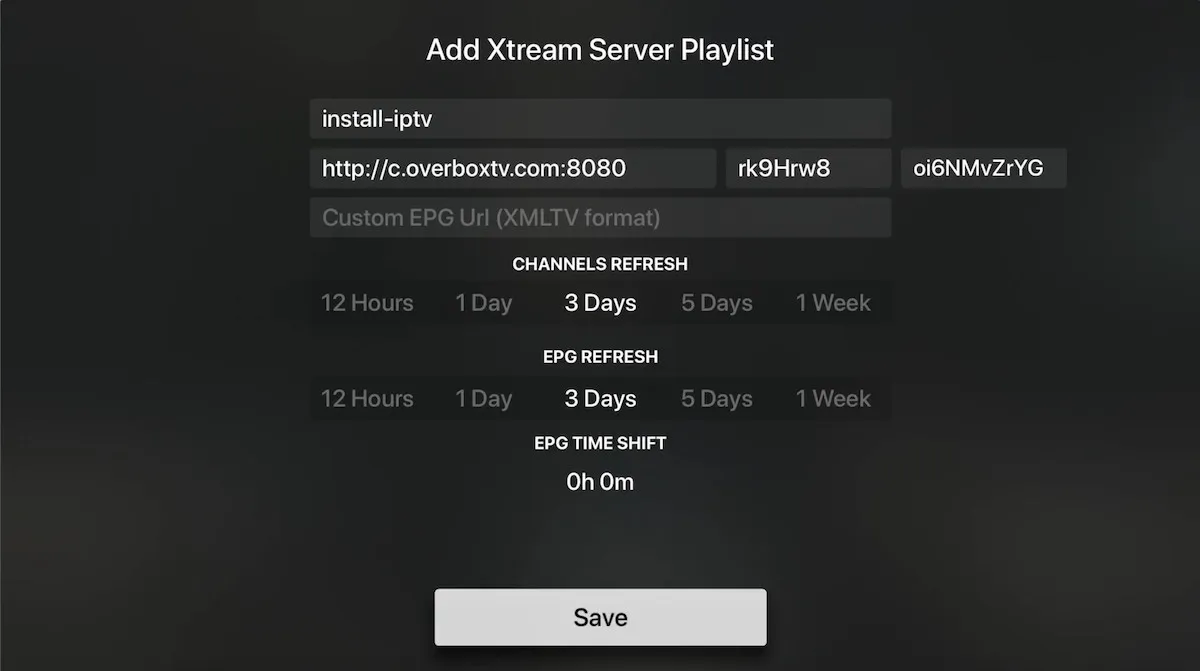
- Enter your server details. Type the server URL, username, and password from your IPTV provider. Give the playlist any name you like and select Save.
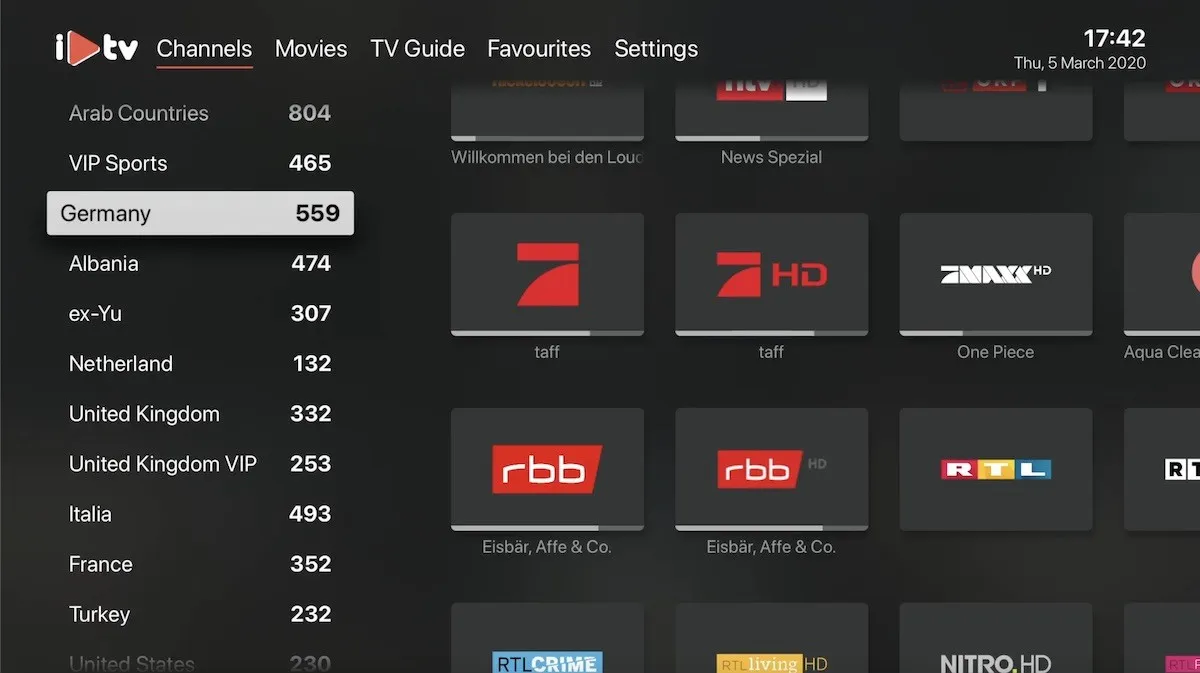
- Let it load. iPlayTV automatically pulls in your channels, VOD, and EPG. Once it finishes loading, setup is complete.
Tip: If you don’t have separate Xtream Codes details, you can extract them from your M3U link — the domain is the server URL, and the
usernameandpasswordvalues in the link are your login credentials.

Using iPlayTV on Apple TV
- Open the channel list: swipe left to right on the remote to show the zapping channel list.
- Show the current EPG: swipe right to left on the remote to display the program guide for the channel you’re watching.

Frequently asked questions
How do I find my Xtream Codes details?
Your provider supplies the server URL, username, and password. If you only have
an M3U link, the host portion is your server URL and the username and
password parameters in the link are your credentials.
How do I bring up the channel list while watching?
Swipe from left to right on the Apple TV remote’s touch surface.
How do I see the program guide?
Swipe from right to left on the remote to show the current channel’s EPG.