How to Install IPTV on Formuler Z7+
Set up IPTV on the Formuler Z7+ box in minutes: find your MAC address, add your provider's Portal URL in MyTV Online, and start streaming.
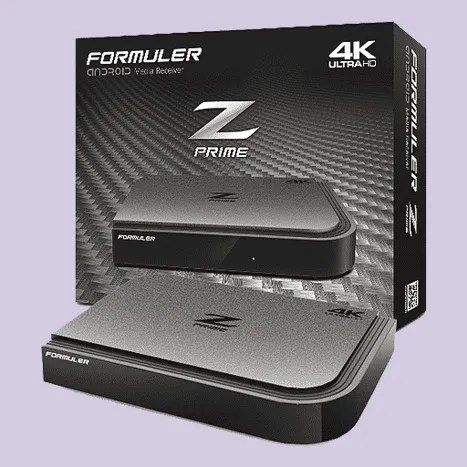
The Formuler Z7+ is a powerful Android-based TV box that ships with the MyTV Online app pre-installed. It authenticates with your IPTV provider using your device’s MAC address and a Portal URL, working much like a MAG device running the Stalker protocol. Setup takes only a few minutes.
Before you start
- A Formuler Z7+ connected to the internet
- An active IPTV subscription
- The Portal URL (server URL) supplied by your IPTV provider
How to set up IPTV on the Formuler Z7+
Step 1 — Find your MAC address
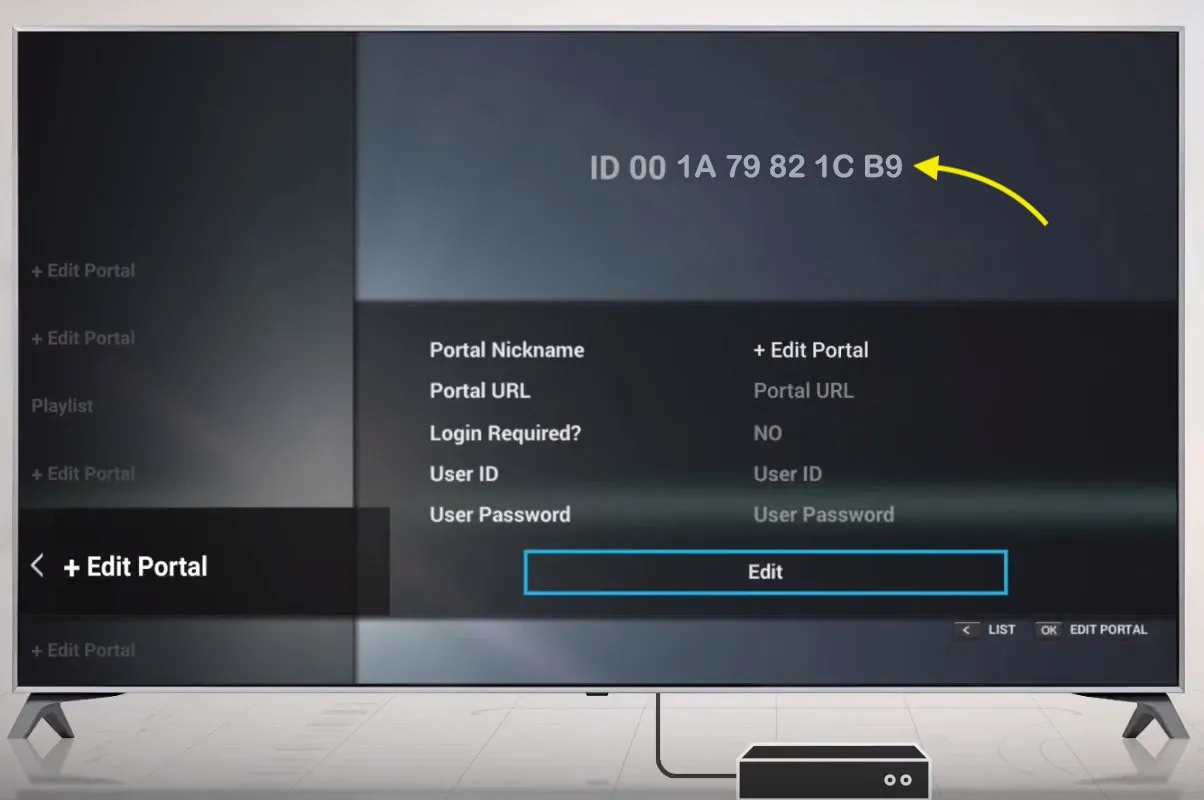
Open the MyTV Online application. Your device’s MAC address is shown in the ID field at the top of the screen. Share this address with your IPTV provider, or enter it yourself in the MAG section of your IPTV dashboard so the provider can link your subscription to the box.
Step 2 — Add your Portal URL
Select Edit Portal to add a new Portal. Give it an optional nickname (for example, “install iptv”) and enter the server URL provided by your IPTV service.
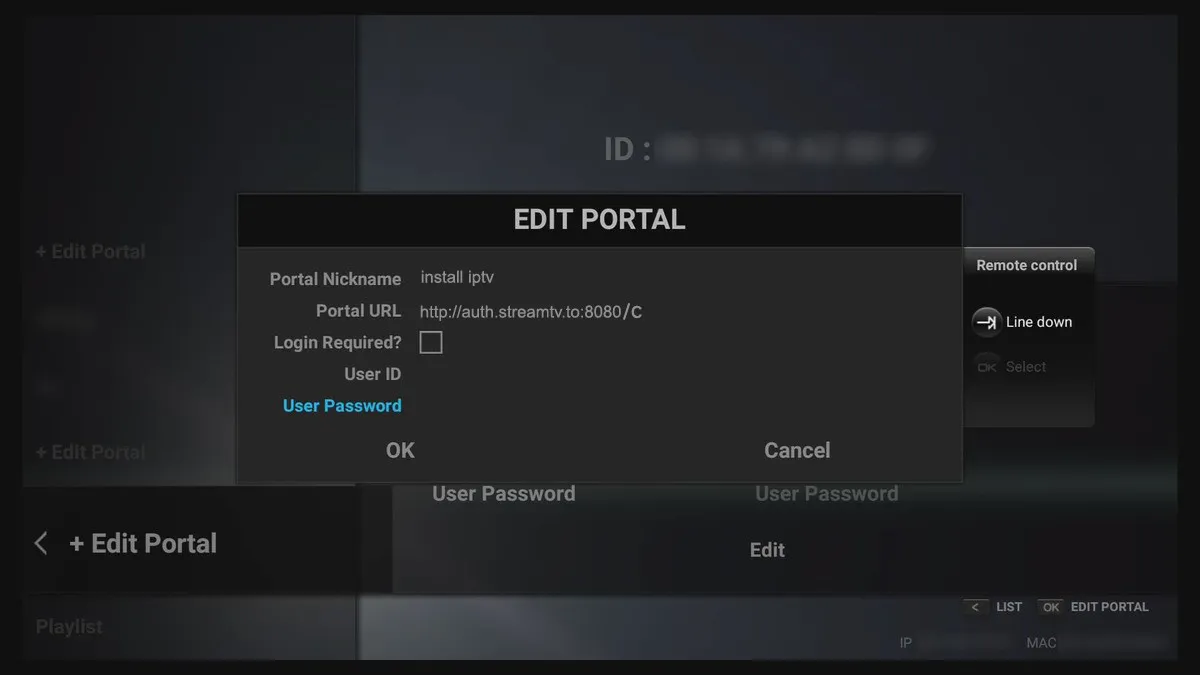
Tip: Double-check the Portal URL for typos. A single wrong character will prevent the box from loading your channels.
Save your changes and reload the portal. MyTV Online will connect to the server and your channel list, EPG, and any VOD content will appear, ready to watch.