
如何安装 IPTV Smart Purple Player
3.2使用 Xtream Codes 或 M3U 设置 IPTV Smart Purple Player 的分步指南。添加播放列表,启用 VPN 和 EPG,观看 Live TV、Movies 和 Series。
IPTV Smart Purple Player 是一款功能丰富的 IPTV 应用,适用于 Android、Android TV 和 Fire TV,内置 VPN、EPG 支持,并为 Live TV、Movies 和 Series 提供专门的板块。它同时支持 Xtream Codes 登录和 M3U 播放列表。
在哪里下载
- APK 直链: http://install-iptv.com/iptv-purple
- Google Play Store: IPTV Smart Purple Player
如何设置 IPTV Smart Purple Player
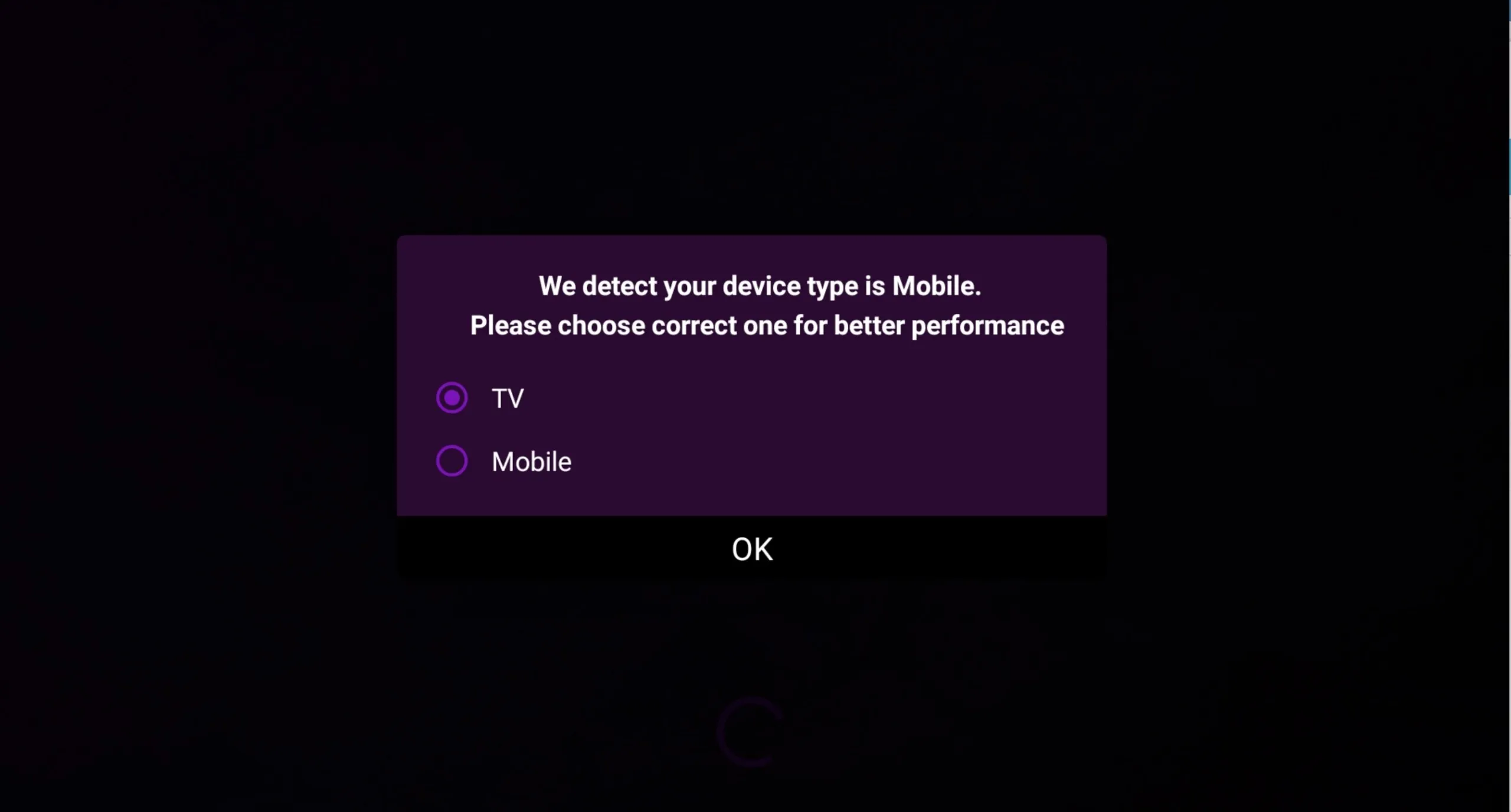
第 1 步 — 选择你的显示模式
首次打开应用时,在 TV 模式和 mobile 模式之间选择,让界面针对你的屏幕进行优化。
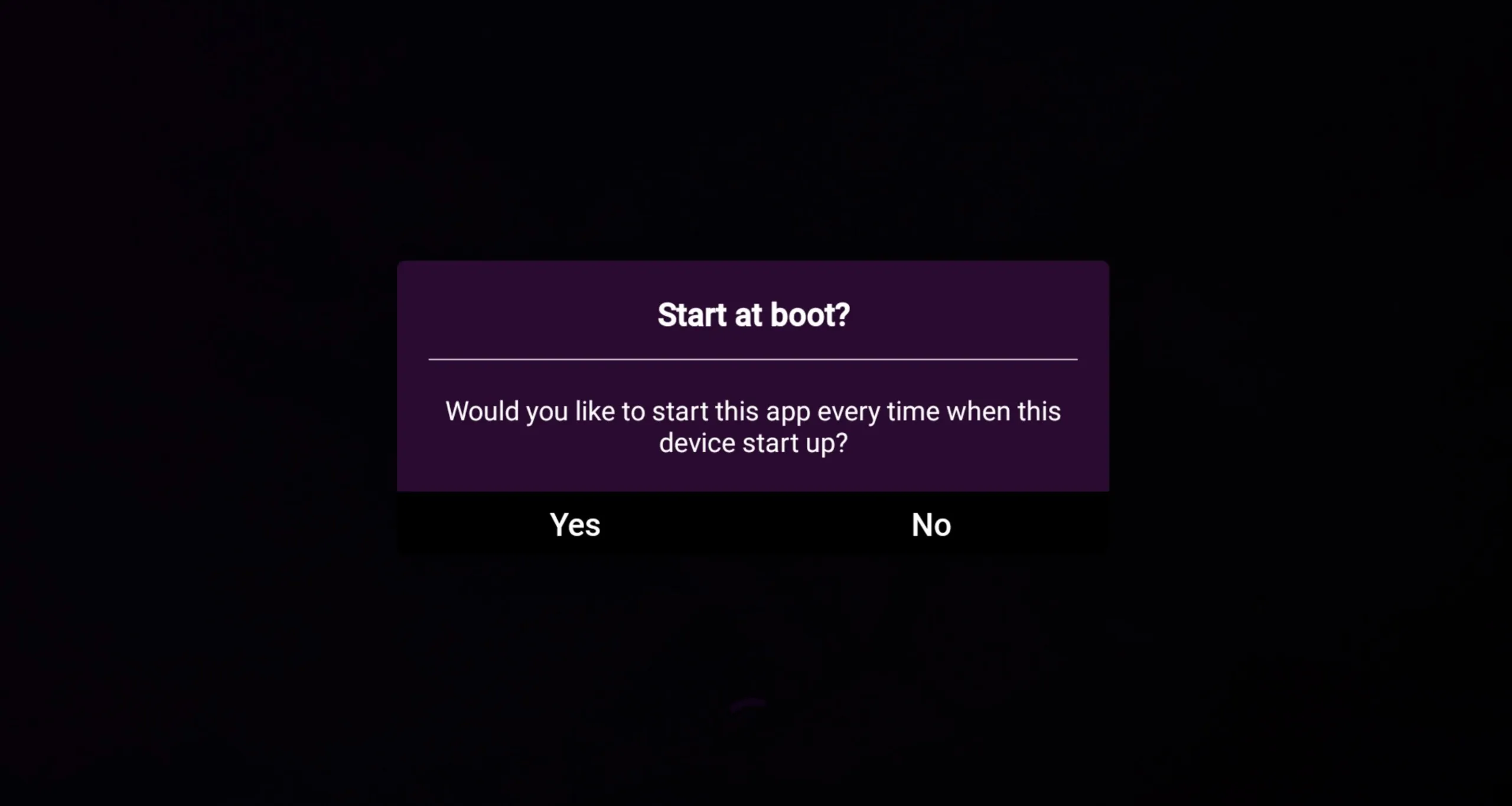
第 2 步 — 设置自动启动
决定你是否希望应用在打开设备时 自动启动。这在专用电视盒子或 Fire Stick 上很方便。
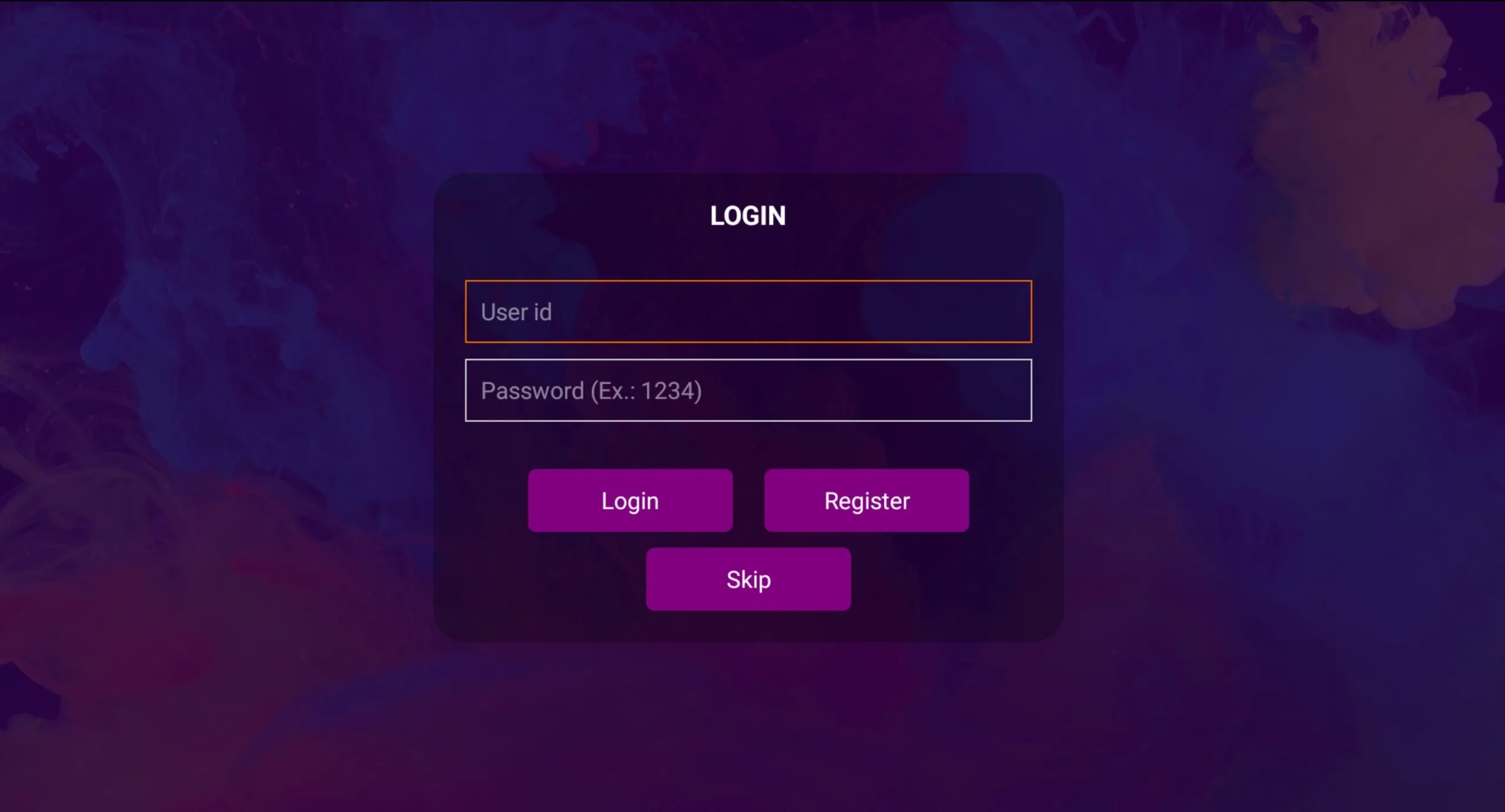
第 3 步 — 跳过注册(可选)
你可以 跳过 此步骤,或在 Purple Smart TV 门户上创建一个免费账户,以便同步你的设置。
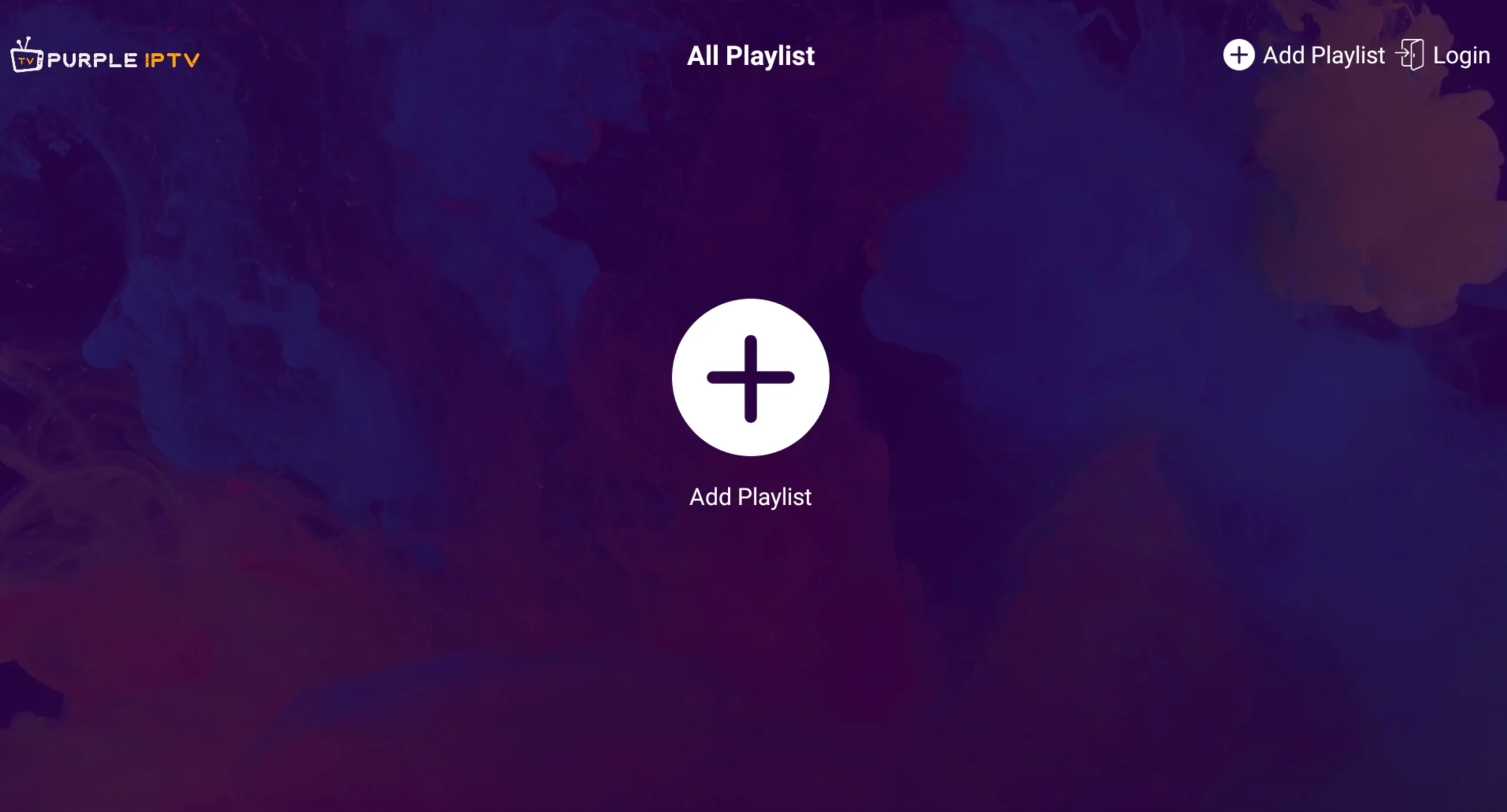
第 4 步 — 添加播放列表
按 加号 (+) 按钮添加你的播放列表。
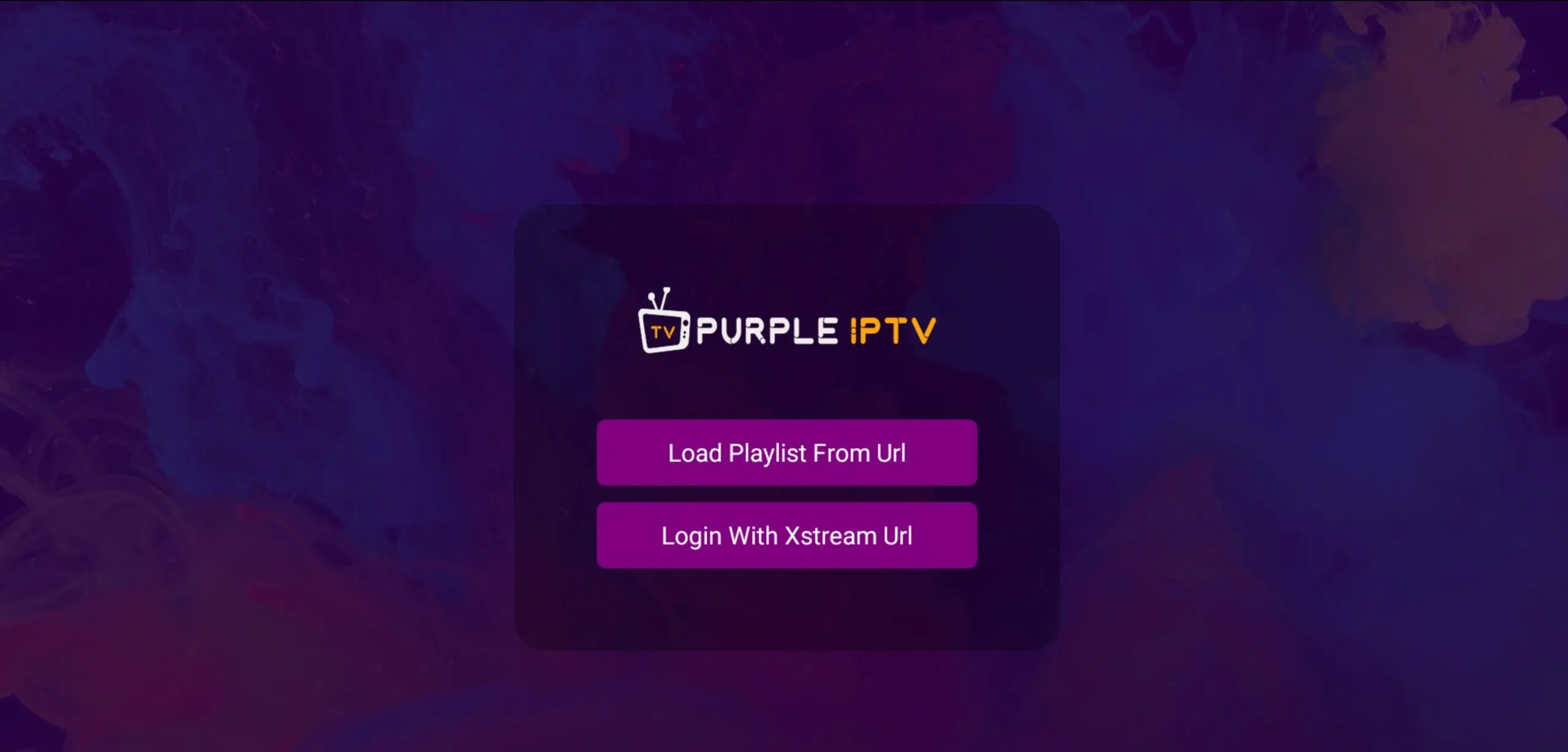
第 5 步 — 选择一种播放列表方式
如果你只有一个 M3U 链接,选择 Login With Xtream URL(推荐——它适用于约 95% 的服务商)或 Load Playlist From URL。
第 6 步 — 输入你的 Xtream 凭据
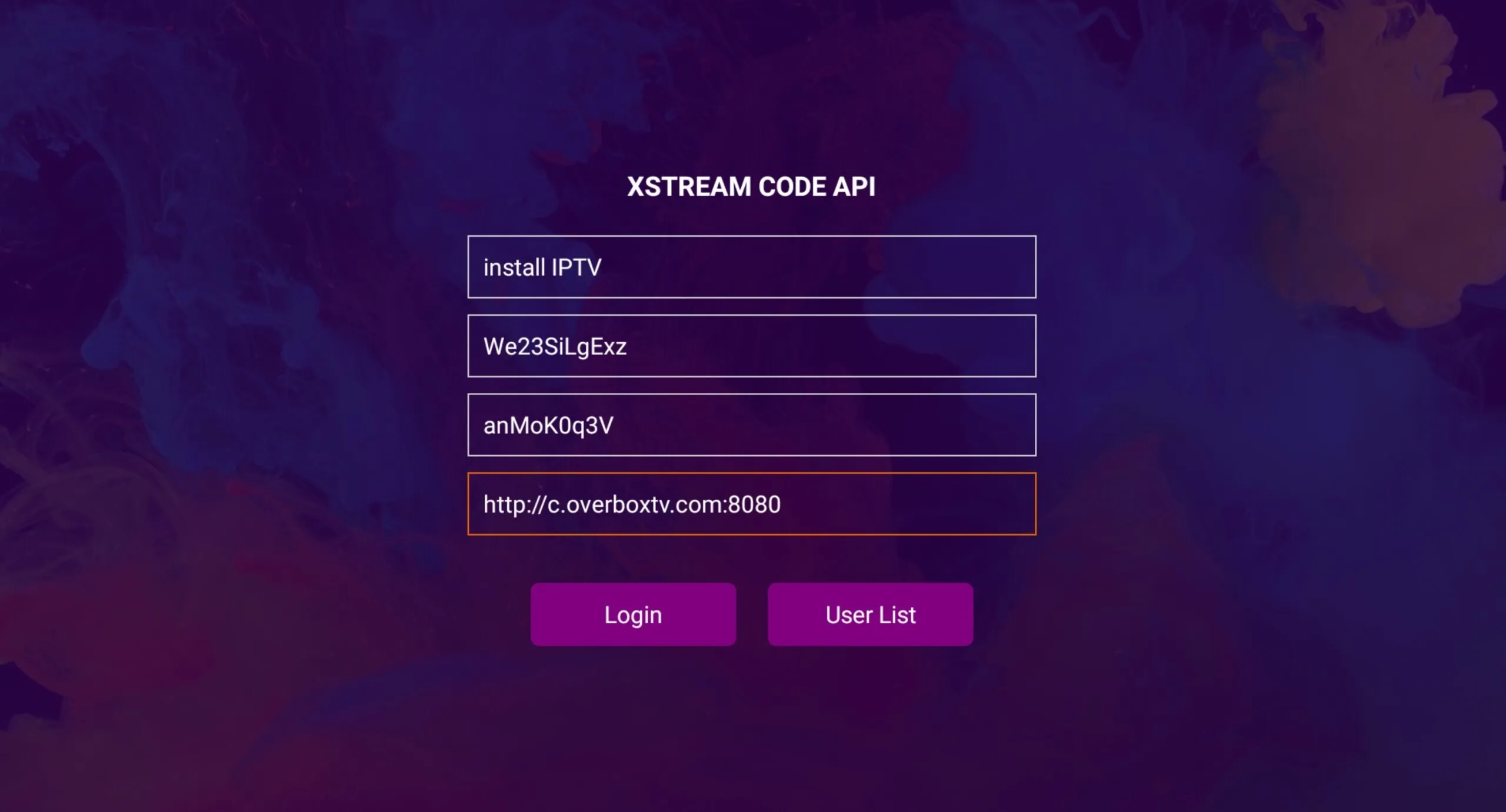
输入 播放列表名称,然后输入你服务商提供的 用户名、密码 和 服务器 URL。按 Login。
第 7 步 — 开始观看
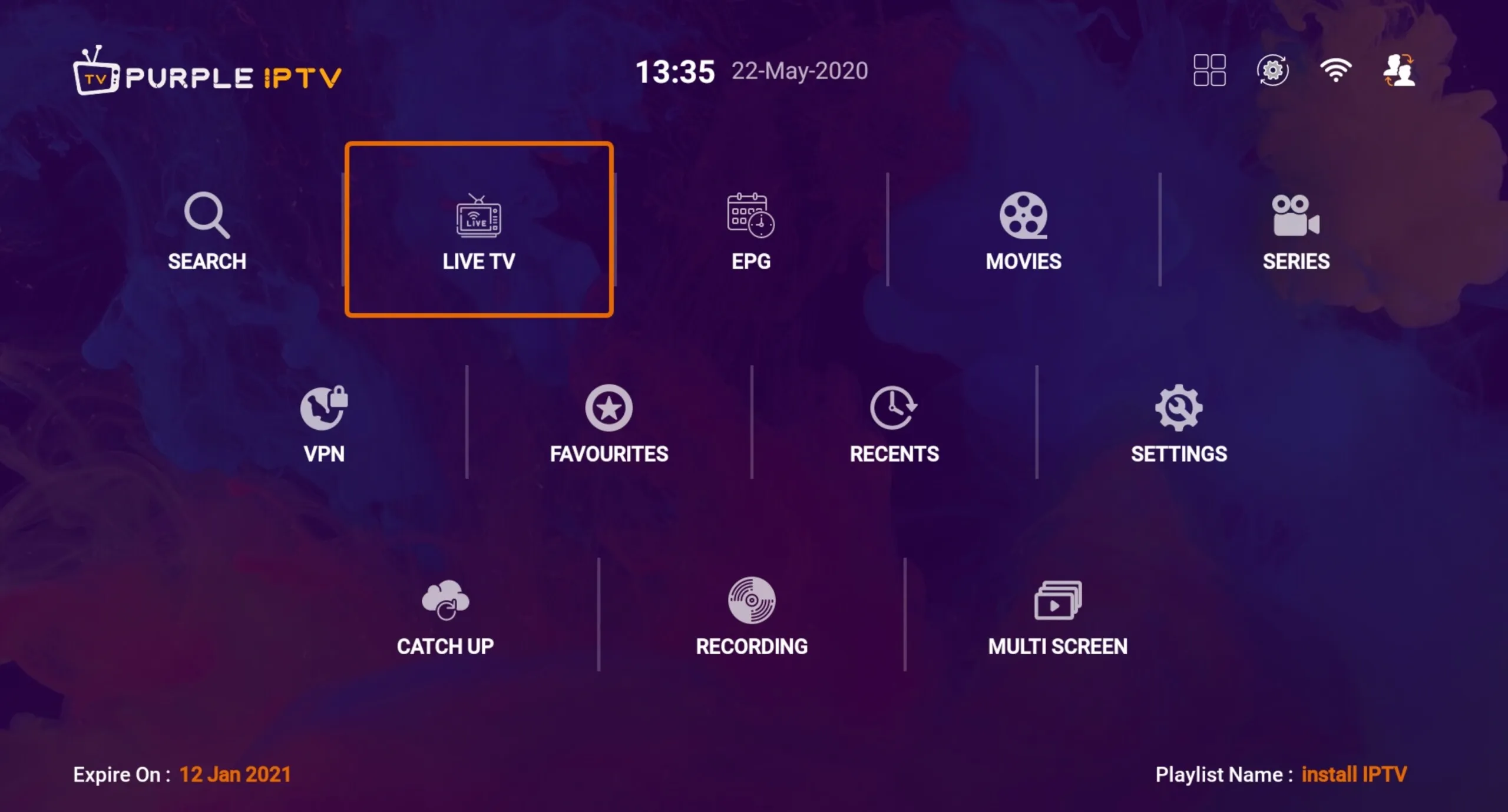
登录后,你将可以访问 Live TV、EPG、Movies、Series、VPN、Favourites 和 Recents。
界面一览
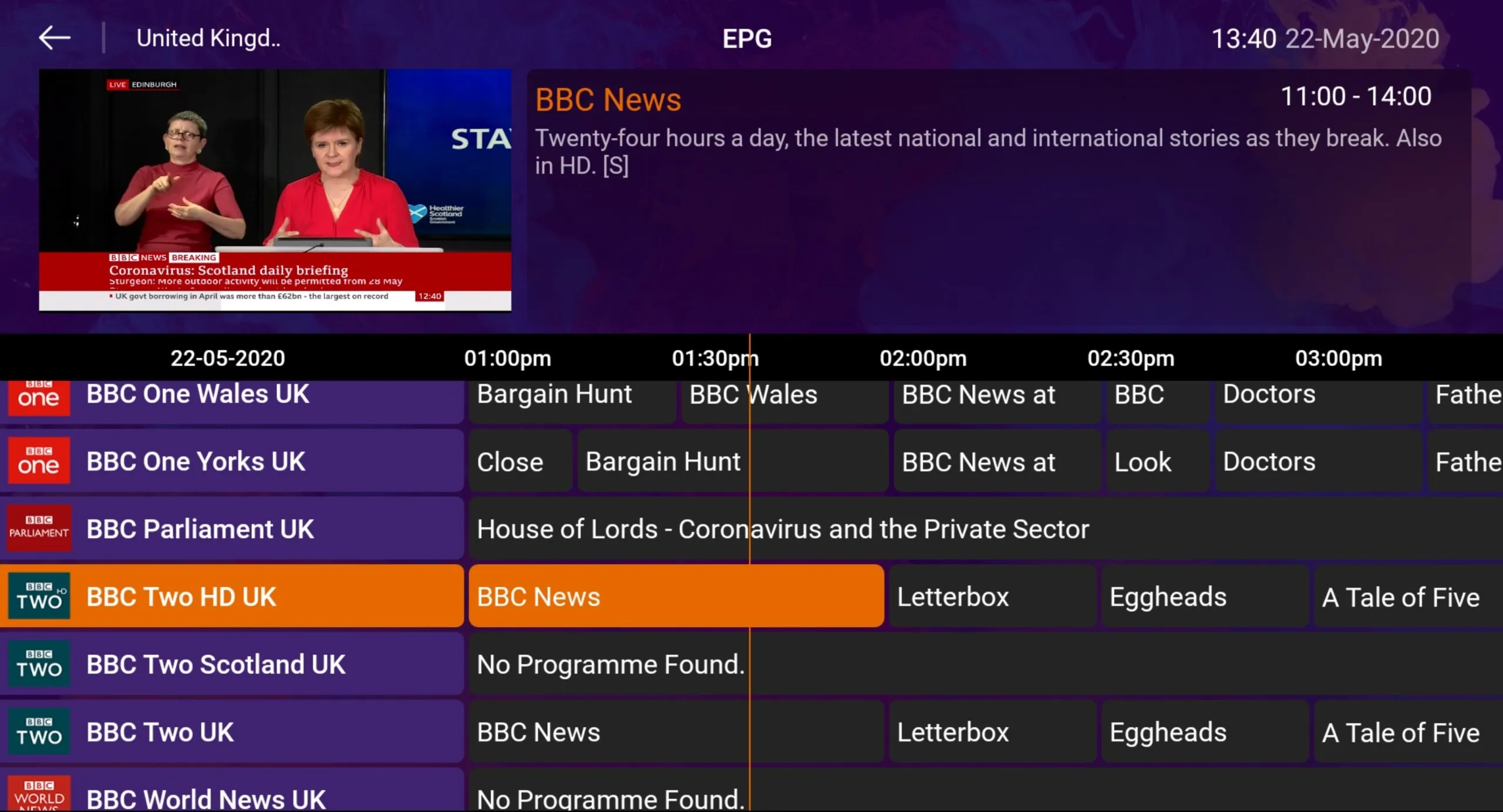
该应用包含完整的 EPG 视图、内置的免费 VPN、小窗口预览以及透明的快速频道列表。
常见问题
我如何找到我的 Xtream Codes 信息?
你的 服务器 URL、用户名和密码 全都包含在你的 IPTV 服务商提供的 M3U 链接中。将它们提取出来,并在 Xtream 登录界面中输入。
我如何在 Fire TV / Fire Stick 上安装 IPTV Smart Purple?
- 在你的 Fire TV 上安装 Downloader 应用。
- 在 Developer Options 中启用 Apps from Unknown Sources。
- 在 Downloader 的 URL 栏中输入 **http://install-iptv.com/iptv-purple**。
- 下载并安装该应用。